

INSTRUCTION / 01BROOM HOLDER V2
 Built to work.


Strong Grip
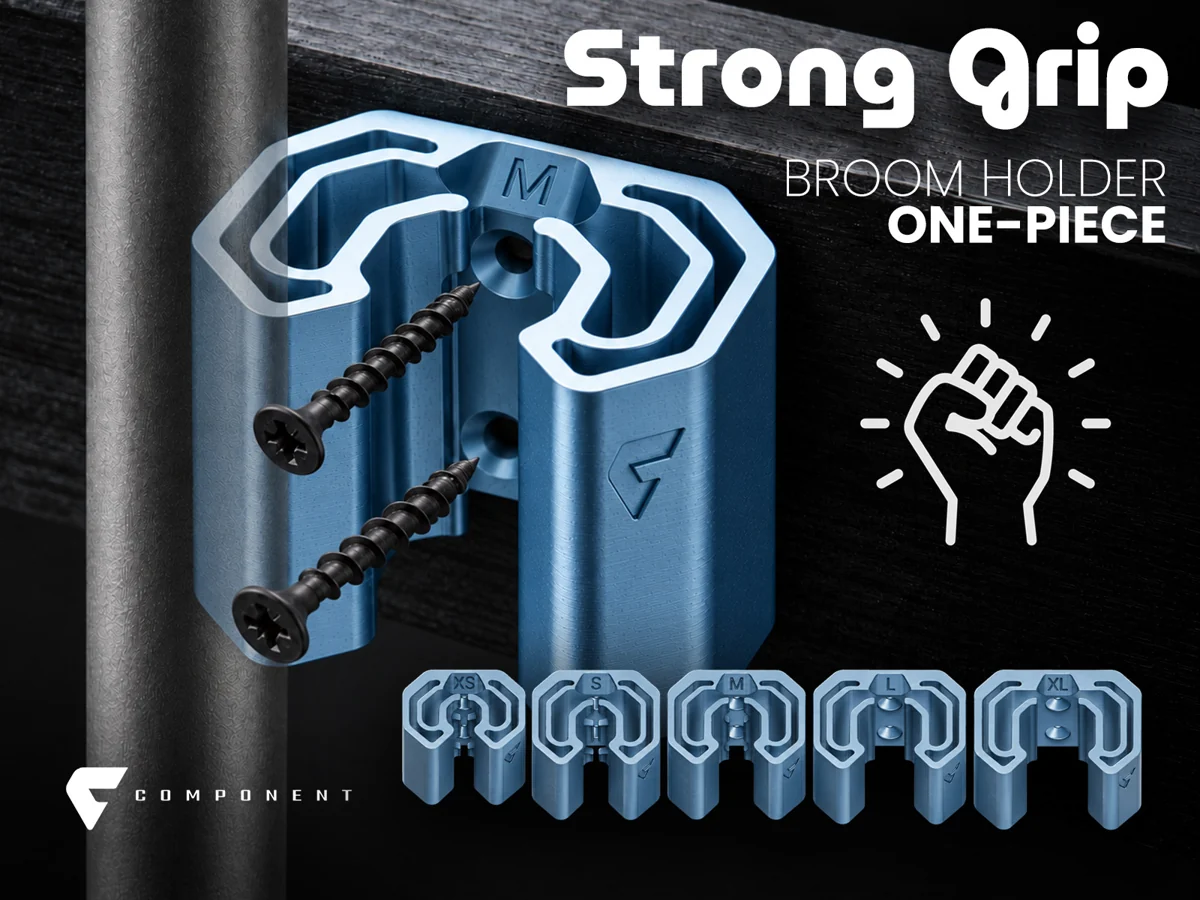
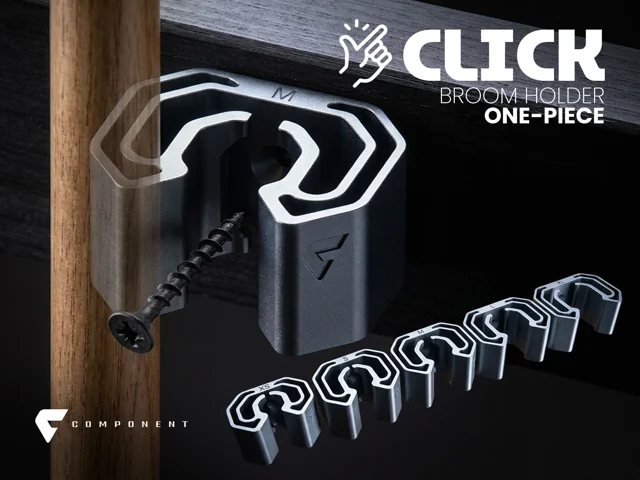
The reinforced holder. A taller body and two mounting points for round-handled tools.
View on MakerWorldV2 keeps the original five grip sizes and adds a taller body, thicker walls and two mounting holes. Choose it when you want the reinforced version; V1 remains the more compact option. Measure the handle and select the first listed diameter equal to or larger than your measurement. Individual PLA and PETG profiles, plus all-sizes sets, let you print one holder or compare sizes before mounting.
Choose screws and wall anchors for your wall and tool. Hardware is not included. Check the fit and installation before use; no load rating is specified.
Open the model on MakerWorld, choose the version and check the current print instructions. Download there or open a compatible profile in Bambu Studio.
Digital design for 3D printing. No physical product is shipped. For commercial sales of physical prints, see the Component membership ↗.
Broom Holder V2 · Strong Grip
Measure where the holder will grip.
Choose the matching print.
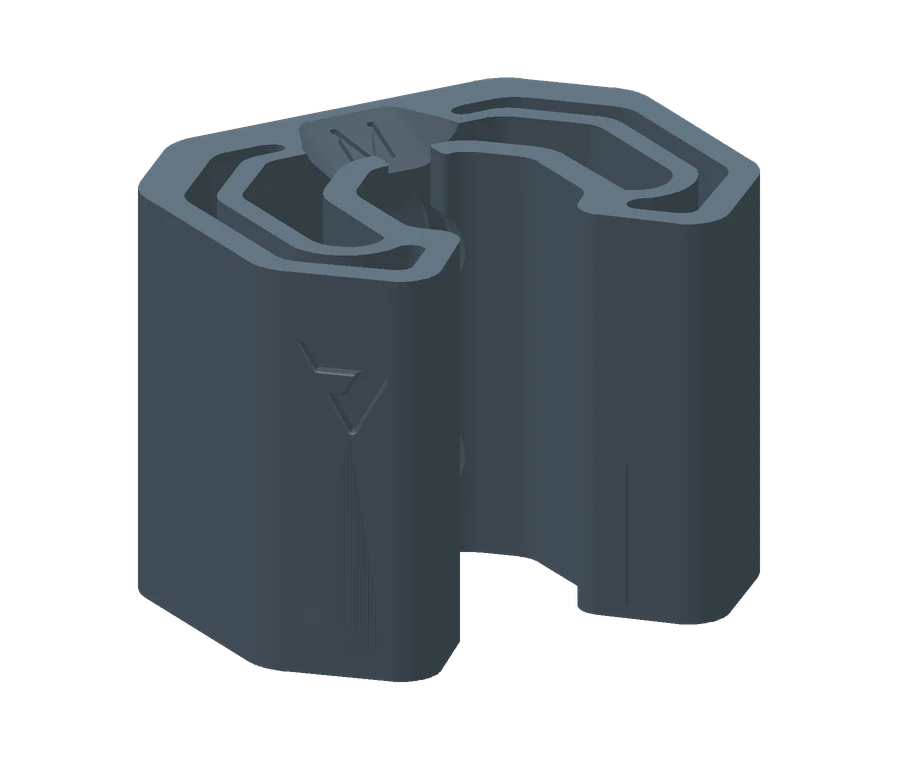
Based on the model's size guide. Fit varies with material and printer calibration. Check one print before mounting.
Field manual / Broom Holder V2
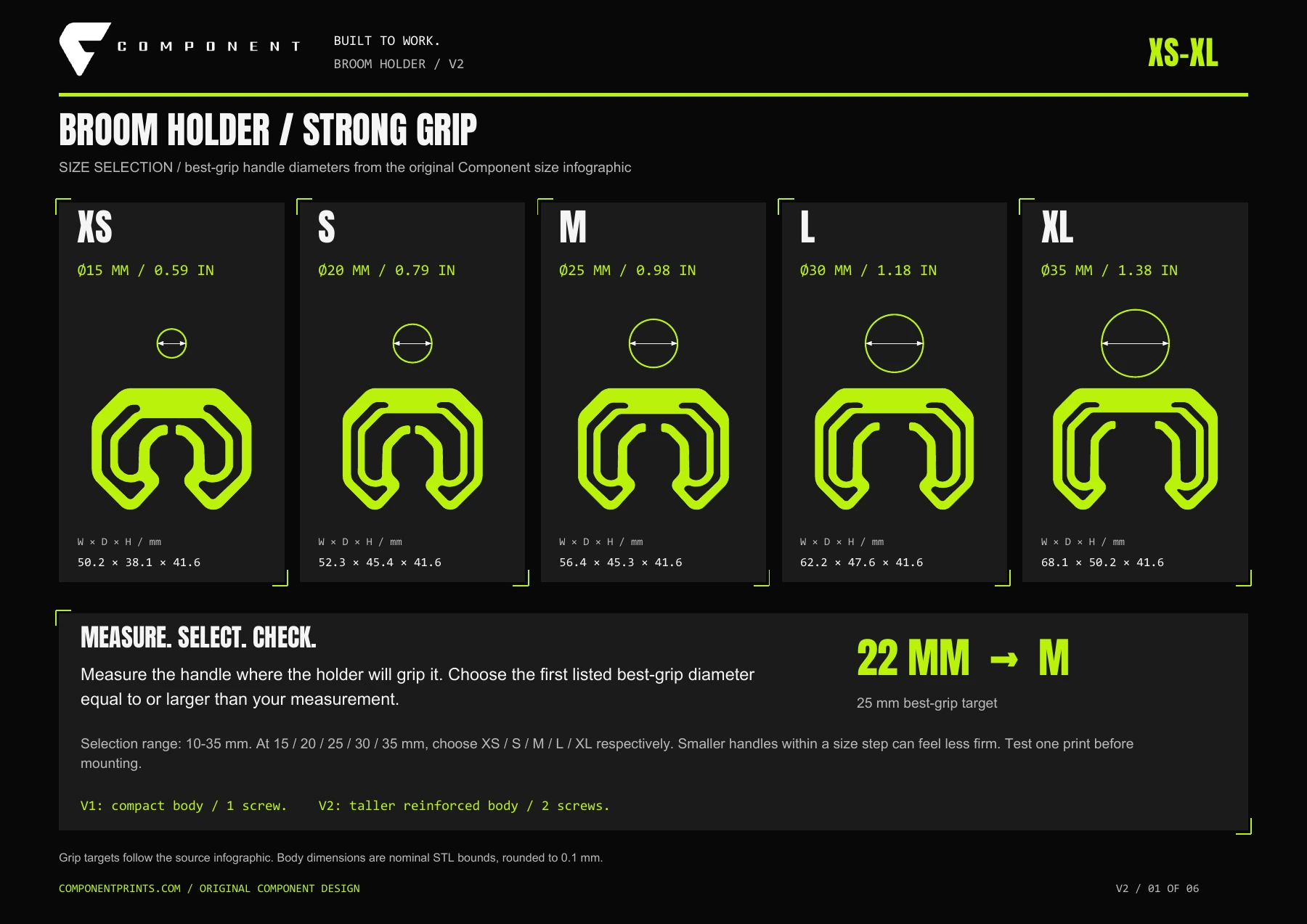
Measure the diameter where the holder will grip. Use this measurement to choose your print.
Choose the first listed diameter equal to or larger than your measurement. For example, a 22 mm handle points to M / 25 mm.
Use two screws and wall anchors suitable for your mounting surface and stored tool. Hardware is not included. Test one print with your handle; fit varies with material and printer calibration.
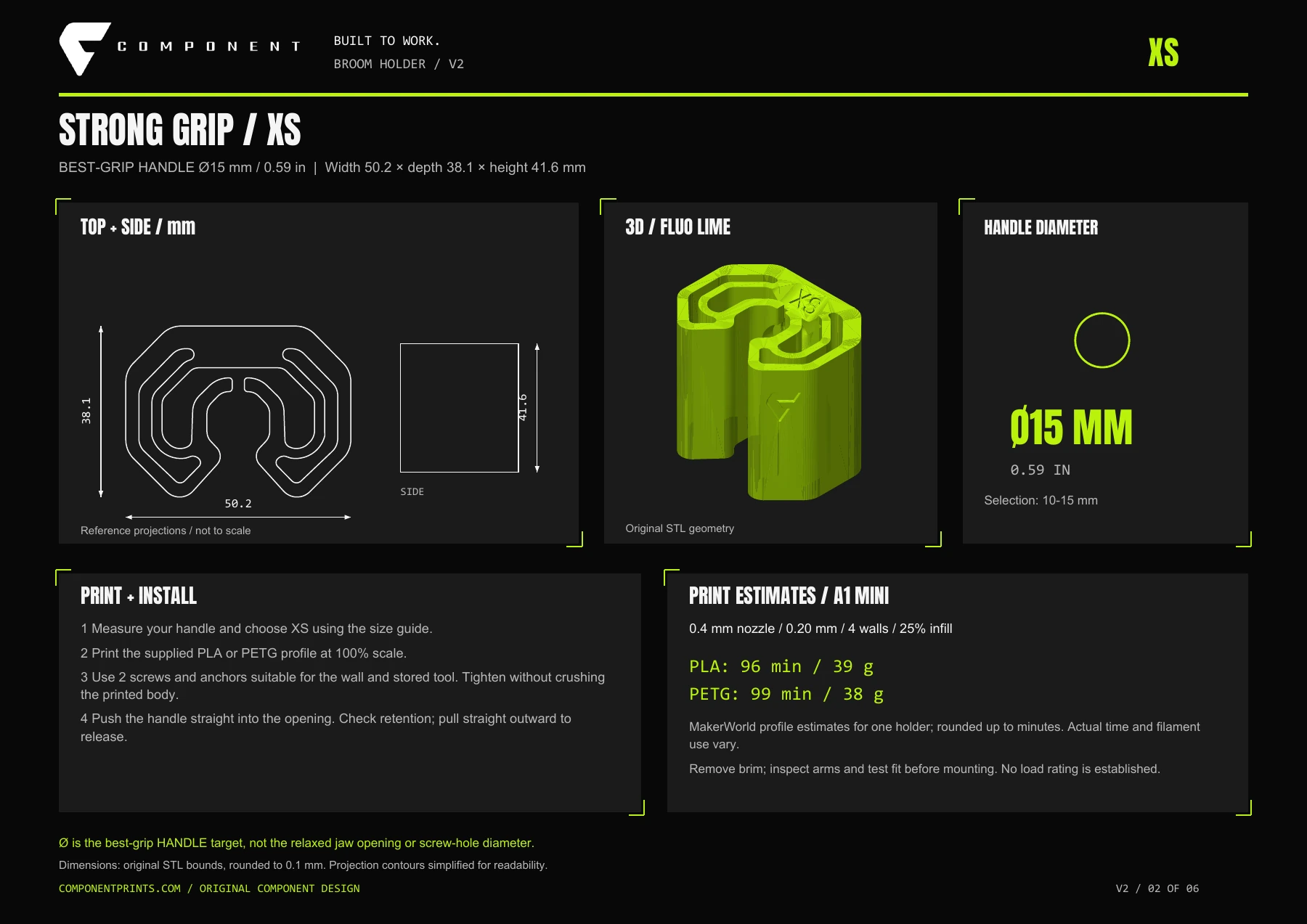
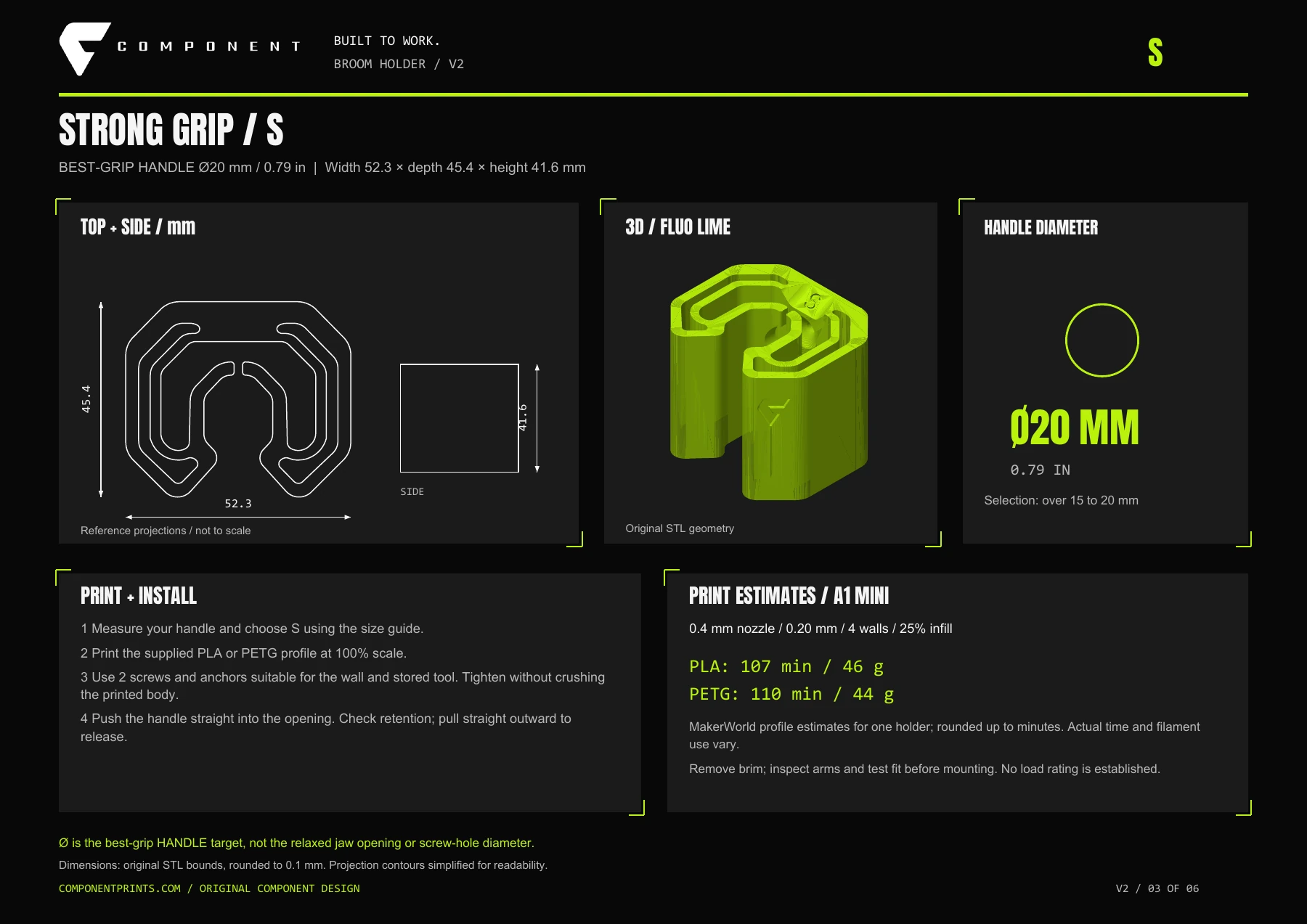
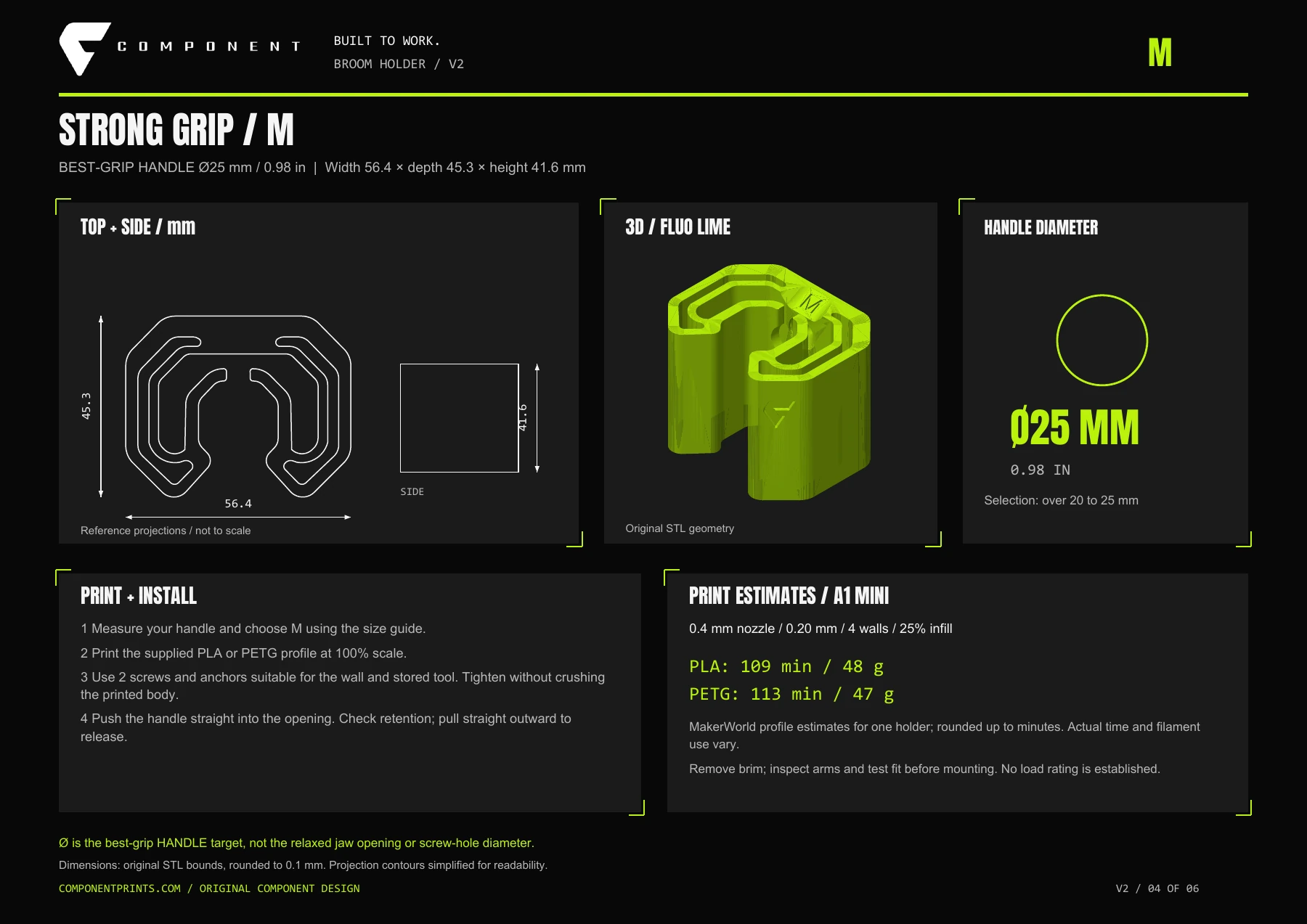
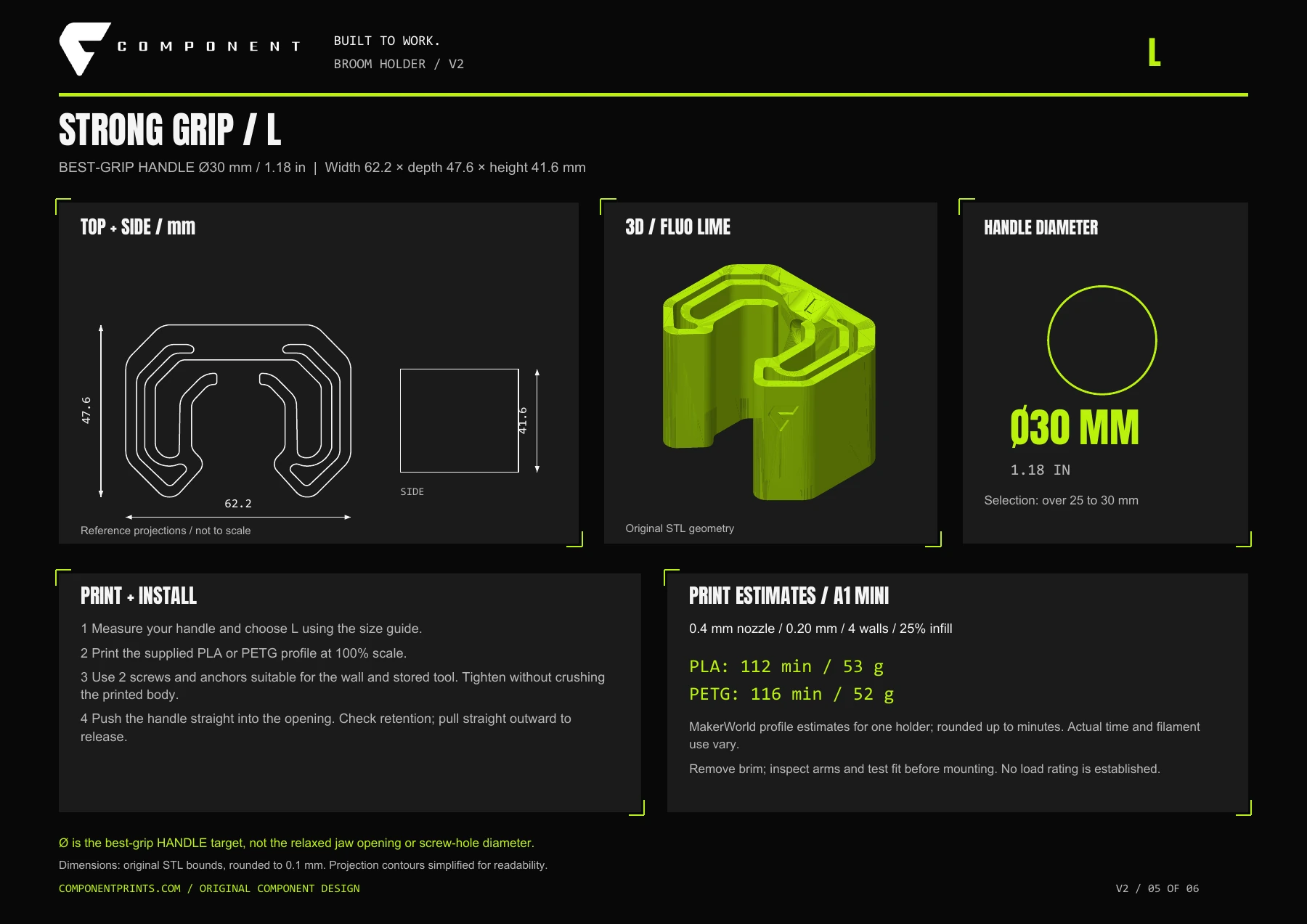
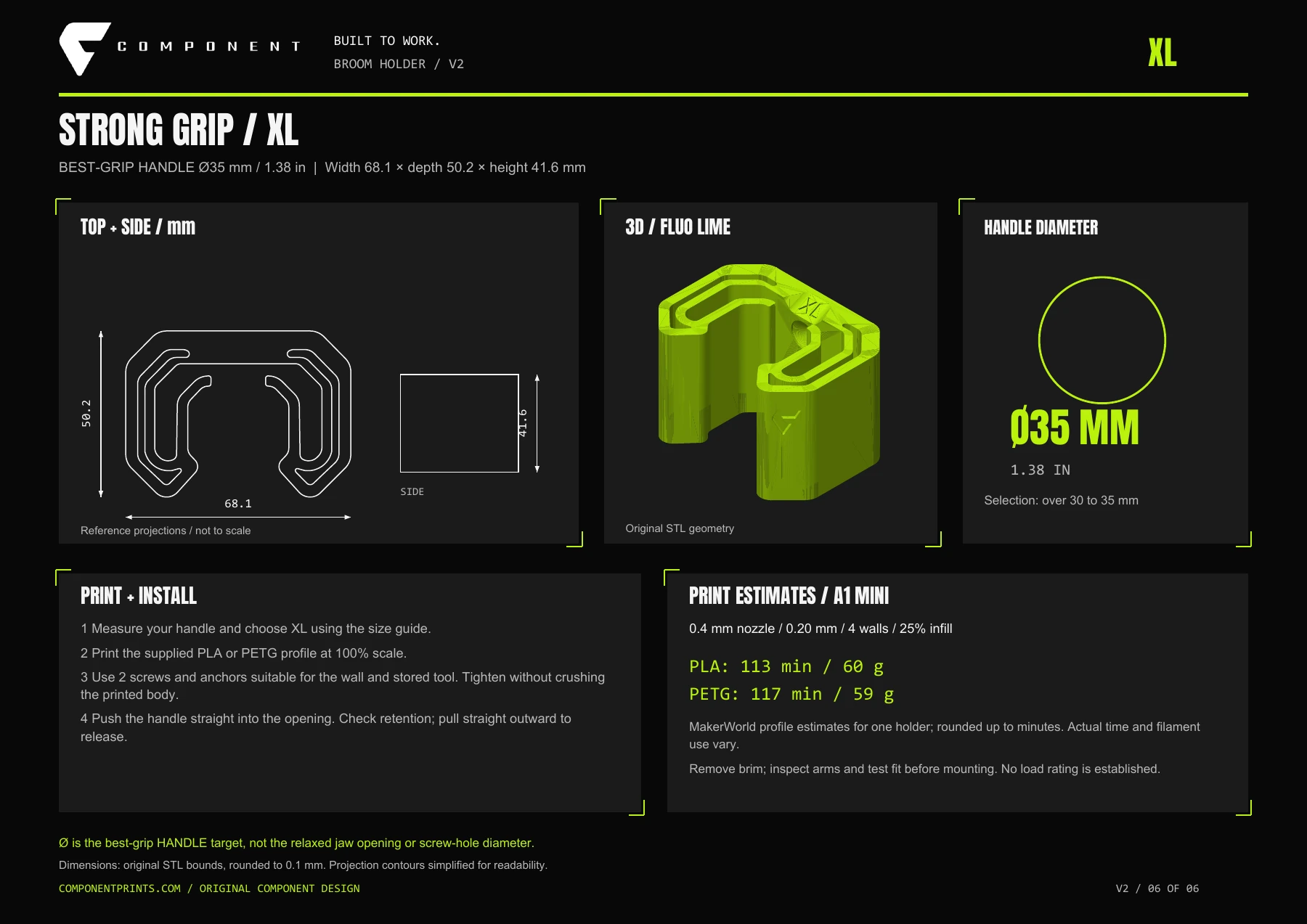
01 / 06 · Size guide
WorkshopOriginal · V1
A place for every handle. A one-piece wall mount for brooms, mops and round-handled tools.

DeskA1 · Adhesive
Keep cable ends where you can find them. An adhesive rail for one cable or a whole desk setup.
WorkshopEveryday carry
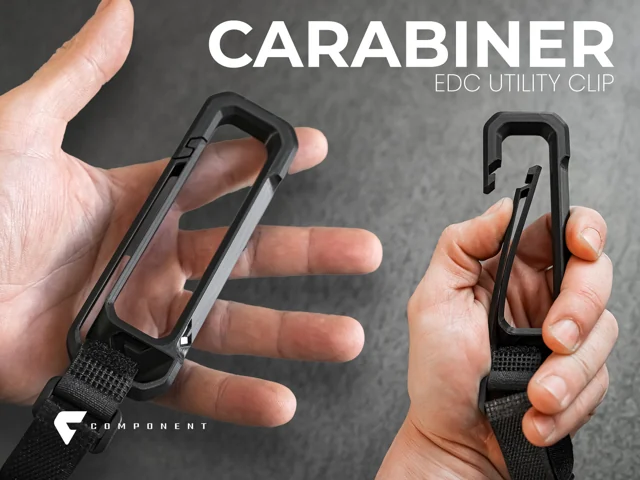
Keep small things together. A one-piece clip for keys, bags and lightweight accessories.